AI-generated sample

SEEDANCE / THE AI FILM STUDIO

Make every
frame yours.

Create videos from words and images with Seedance. Explore product ads, cinematic stories, natural landscapes and urban scenes — then frame your own idea.

From a written idea to a moving product shot.
Seedance 2.5Text to video5s / 480p16:9 · SilentWatch the full sample

Created for SuperSeedance · AI-generated · October 20, 2026

YOUR CREATIVE DESK

What will you create today?

THE WORKSPACE
0/ 2,000
Creation settings
Checking service availability…
Private creationsCreative controlClear estimatesNo subscription

01 / YOUR STARTING POINT

Three ways in. One vision.

A sentence, an image, a reference. Give your next story a place to begin.

02 / THE INSPIRATION ROOM

The world, reimagined.

A real Seedance output, its settings and the prompt behind it. Find a starting point for your own idea.

01 / FROM PROMPT TO PICTURE

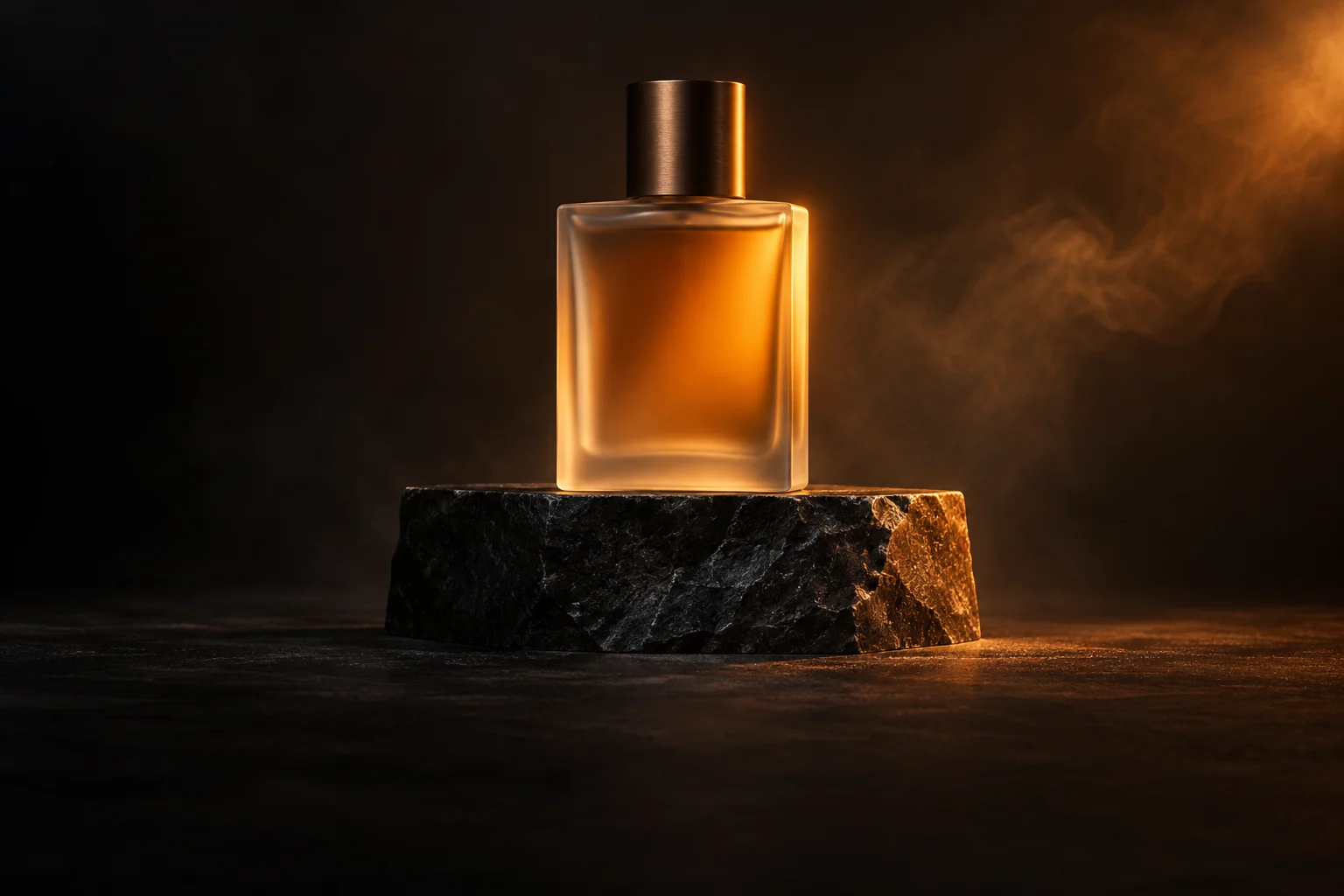
A little light. A different presence.

An unbranded frosted perfume bottle, warm amber light and a quiet camera move. Generated from text with Seedance 2.5.

5s · 480p · 16:9 · 24fps · Silent

Read the prompt (English translation)

A five-second, single-shot original perfume product ad with realistic photography. A simple, unbranded cylindrical frosted-glass perfume bottle containing pale amber liquid sits on a matte dark-gray stone plinth against a seamless charcoal background. A plain matte-black cylindrical cap. The bottle is blank: no labels, logos, lettering or patterns. Place the complete bottle in the right third of the frame, leaving clean dark-gray negative space on the left. Soft warm-orange light from the back right outlines the bottle; restrained soft frontal fill reveals fine frosted texture and realistic glass refraction. Over five seconds, move the camera slowly about ten degrees to the right with a slight push-in. Keep the bottle, cap and liquid level stable. A very thin wisp of mist drifts through the background without obscuring the bottle. Smooth continuous camera movement; no cuts, sudden zooms or flickering. Only this generic original bottle, plinth, light and faint mist. No people, hands, animals, extra objects, brand text or subtitles. No music, narration or sound effects.

Make it your own

Generated for SuperSeedance on October 20, 2026. One text-to-video output, with its AI watermark preserved. This saved sample is separate from your own generation jobs.

03 / INSIDE THE TOOLKIT

Choose your creative engine.

Explore settings, compare credits and check model availability in the studio.

Explore all

Reference model specifications; this site’s model access and output capabilities are pending validation.

Model access and confirmed credit rates are shown in the workspace. Catalogue entries are not a promise of availability.

Estimate a video

04 / FROM IDEA TO FRAME

Stay in your creative flow.

01

Start with an idea

A prompt, a photo or a reference.

02

Set the scene

Choose the model and frame your shot.

03

Know the cost

Check your estimate before you start.

04

Make your next move

Review your results and keep creating.

A LITTLE MORE CLARITY

Good questions. Clear answers.

Everything you need to get started.

Get in touch
What can I create?+

Use text prompts, a starting image or an image reference to create video tasks. Your account keeps the task history and private results. Generation availability is shown in the workspace.

How are credits calculated?+

The estimate combines the model, duration, resolution and selected options. The server recalculates it before reserving credits. Confirmed failures return credits once.

Can I cancel a task?+

You can cancel a task while it is waiting in the local queue. Once submitted to the provider, wait for its result. If the outcome is uncertain, it is held for reconciliation instead of submitted twice.

Can I use the videos commercially?+

Usage rights depend on the connected provider terms and your inputs. Reference showcase clips are for preview and do not grant commercial reuse rights.

How do I buy credits?+

Verify your email, then choose a configured credit pack on Pricing. When checkout is enabled, payment is handled by the configured platform (Paddle or Stripe). Credits appear after the server verifies the completed payment.

Where are my files stored?+

Images and generated results are stored privately on the application server and require your account to access. Remove assets and completed creations from their libraries.

FROM A SPARK TO A STORY

Your next video starts with a little imagination.

Choose your canvas. Find your words. Make your next move.

Open the studio